OpenComfort
An open wall thermostat for 24 VAC heating and cooling that works fully offline.
In development, rev ASource coming. The repository is not public yet.
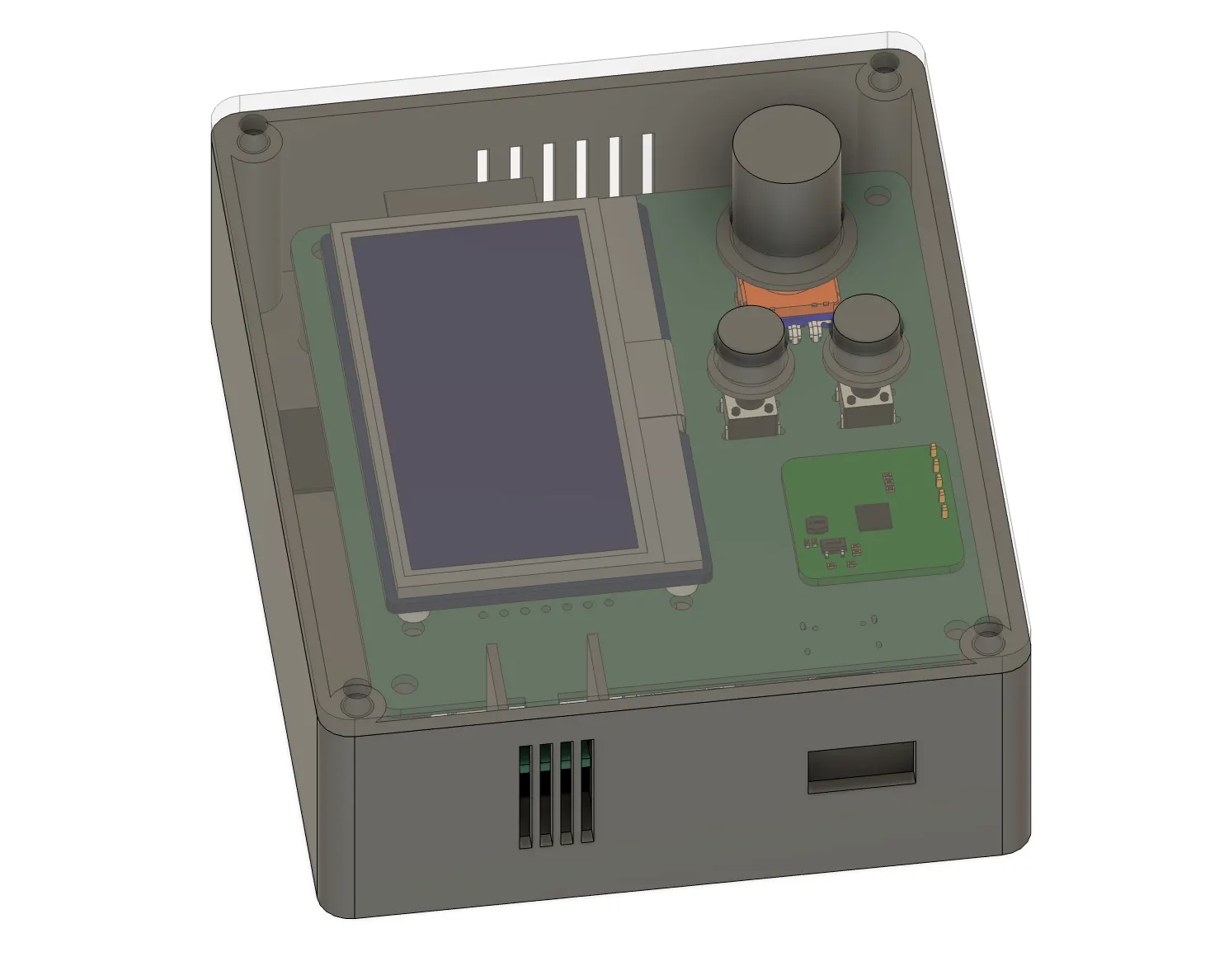
OpenComfort is a wall thermostat for 24 VAC equipment. It runs heat pumps with an O or B valve and aux heat, a conventional furnace with an air conditioner, dual fuel, and heat-only or cool-only systems.
How it works
- It controls on its own. Home Assistant and MQTT are optional extras, and nothing depends on a cloud service.
- Equipment protection is built into the firmware and cannot be bypassed from any interface: compressor minimum on and off times, furnace rest before the compressor starts, and fault trips.
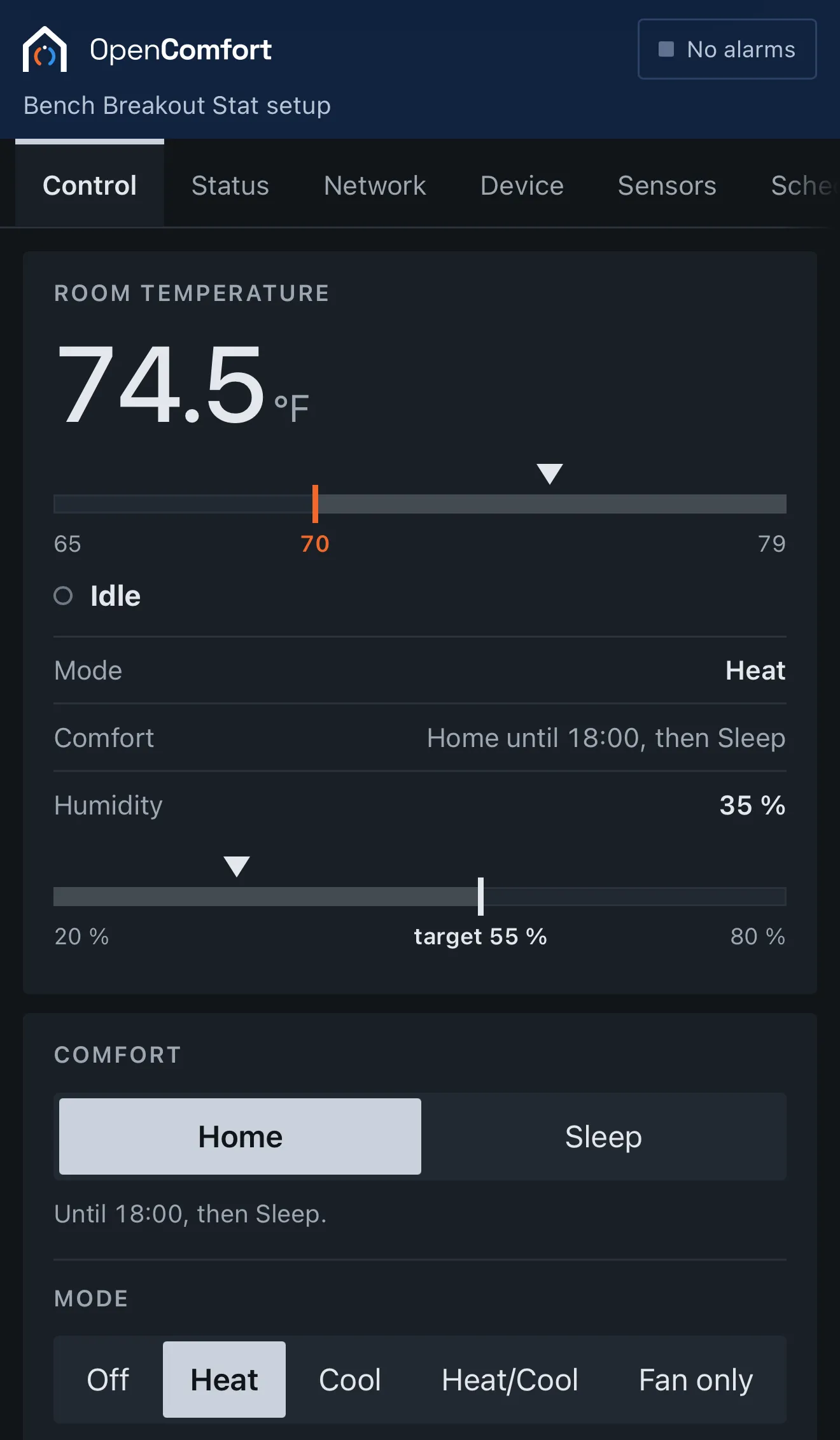
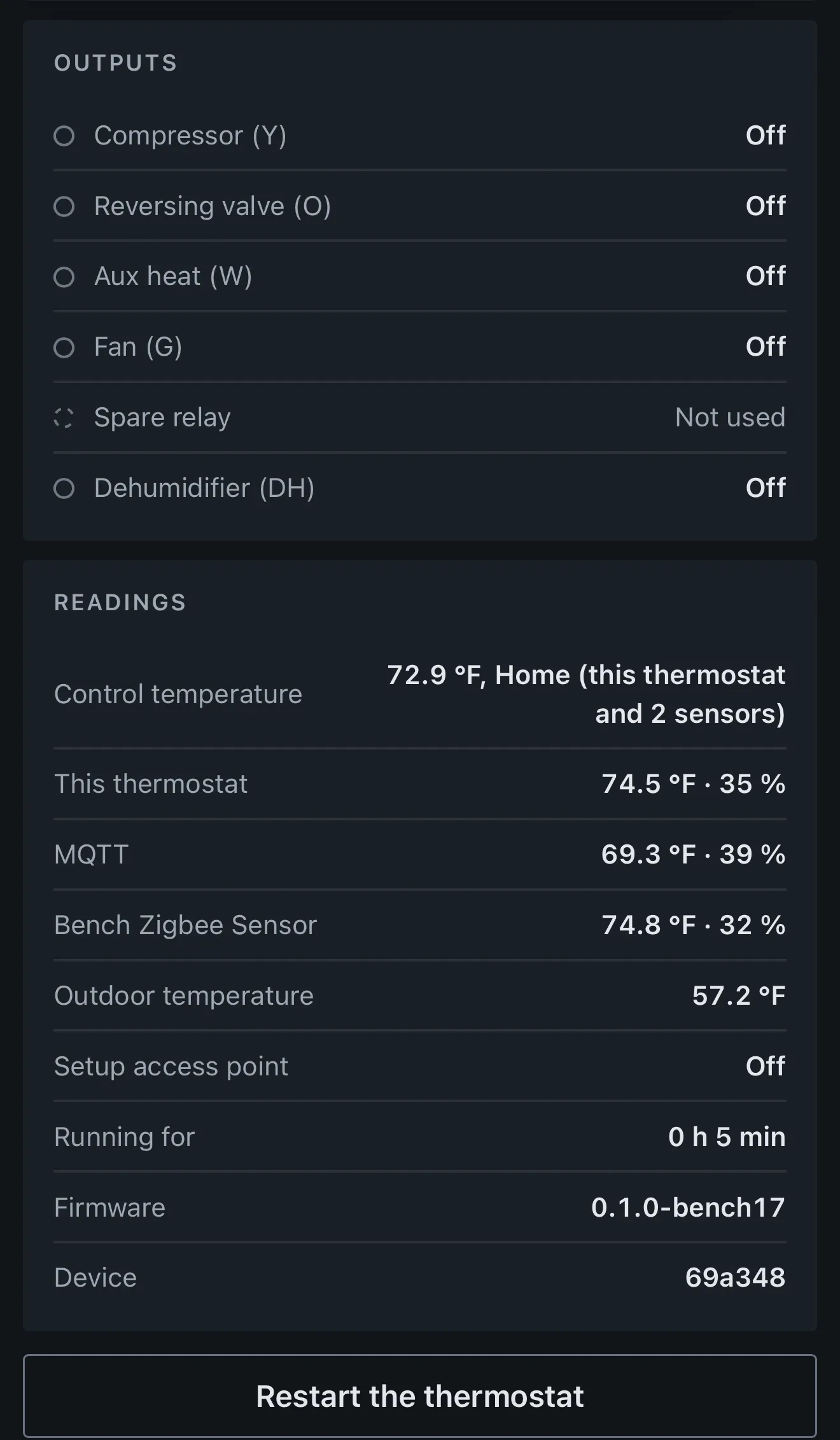
- It supports two-stage equipment, a whole-home dehumidifier output, a schedule with hold and resume, and remote room sensors over Zigbee with no separate hub.
- The person at the wall sees what the system is doing and can change the temperature, mode and fan. Wiring settings live on a password-protected setup page served by the device.
Status
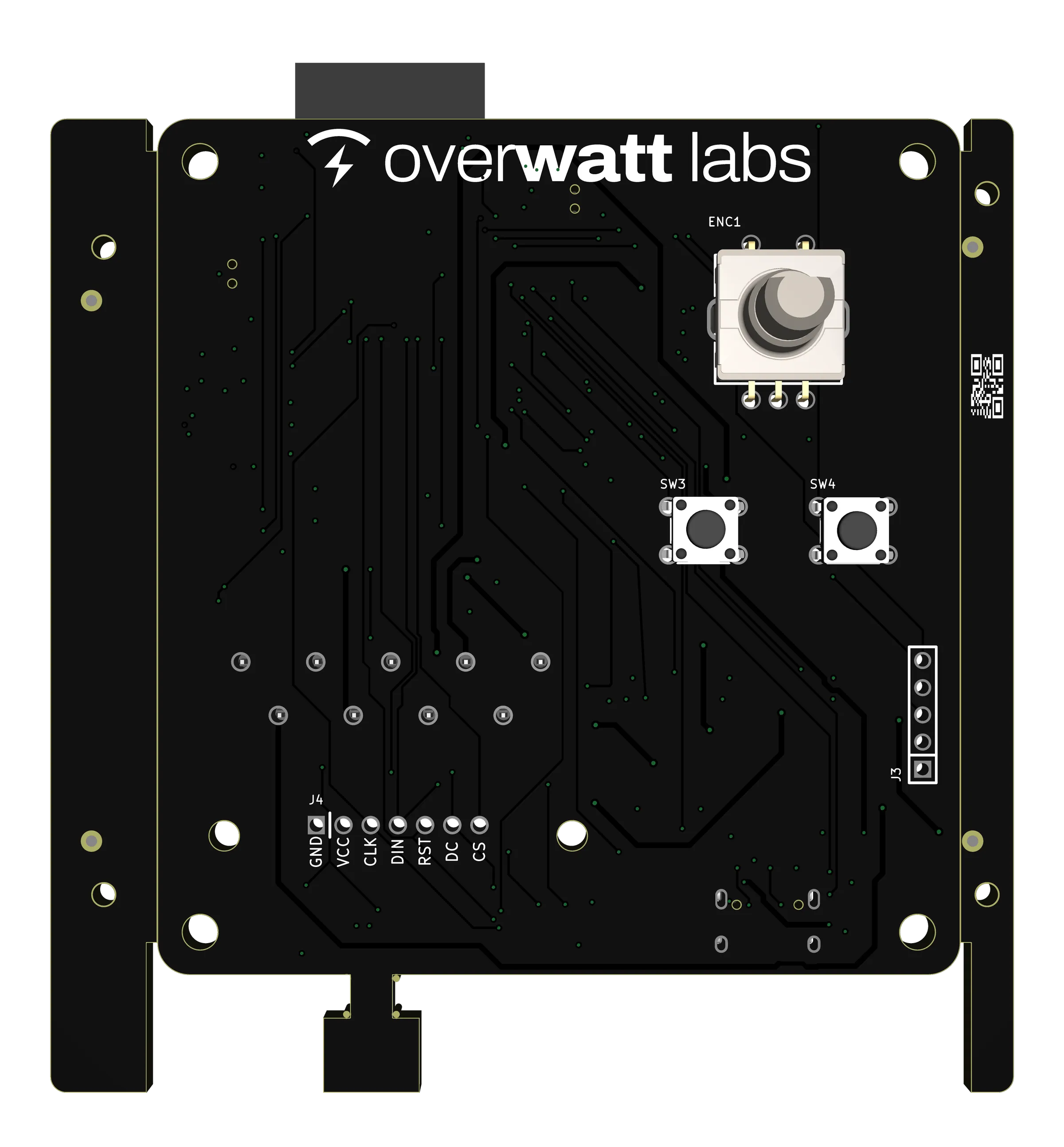
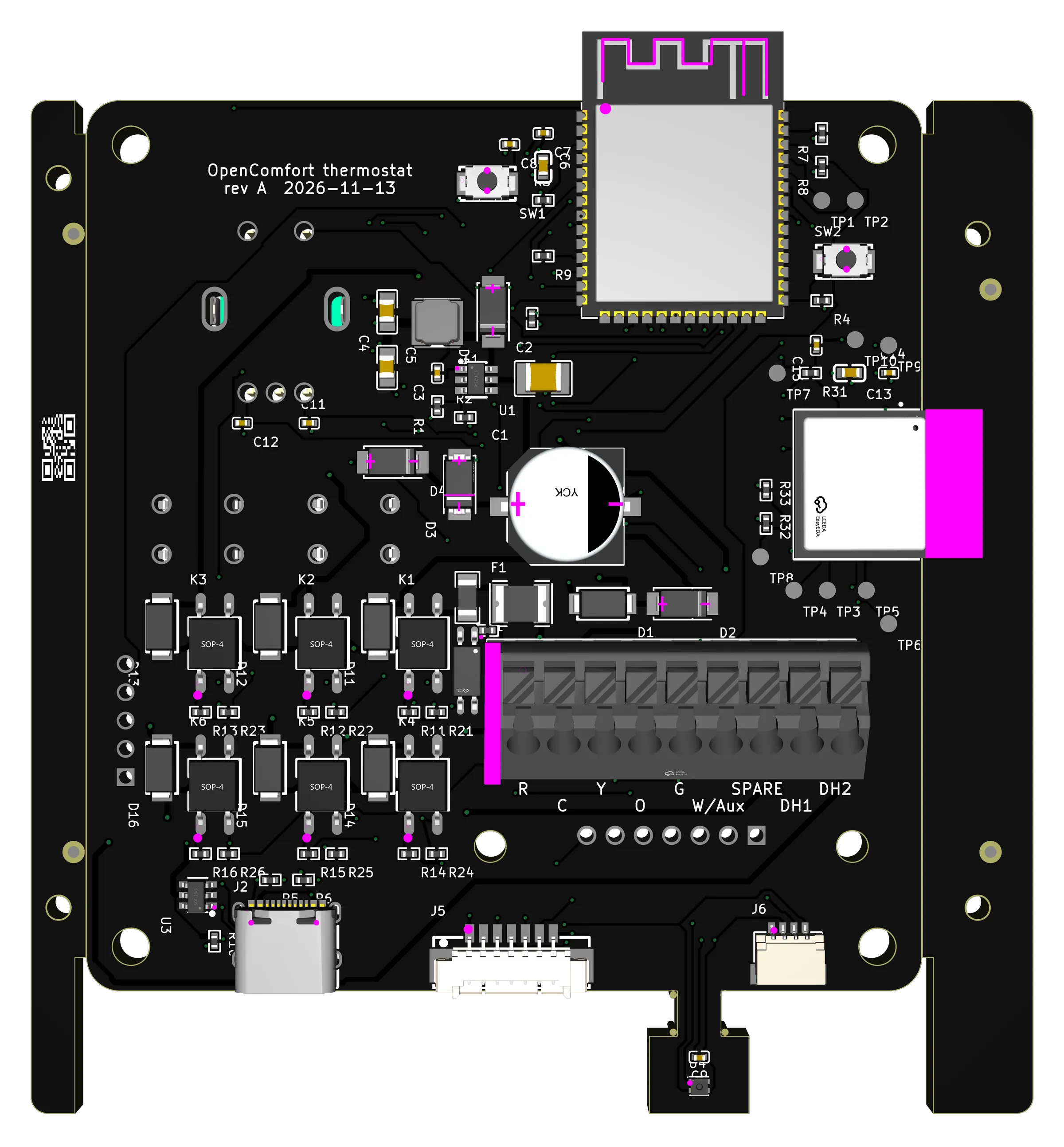
The rev A board is designed, and the firmware is running on a bench unit with its setup page working. The source is not public yet.
When it is, the firmware will be under Apache-2.0, the board and enclosure under CERN-OHL-S-2.0, and the documentation under CC BY 4.0.
- For
- Heating and cooling
- Kind
- Thermostat hardware and firmware
- Systems
- Heat pump with aux heat, furnace with air conditioner, dual fuel, heat only, cool only
- Display
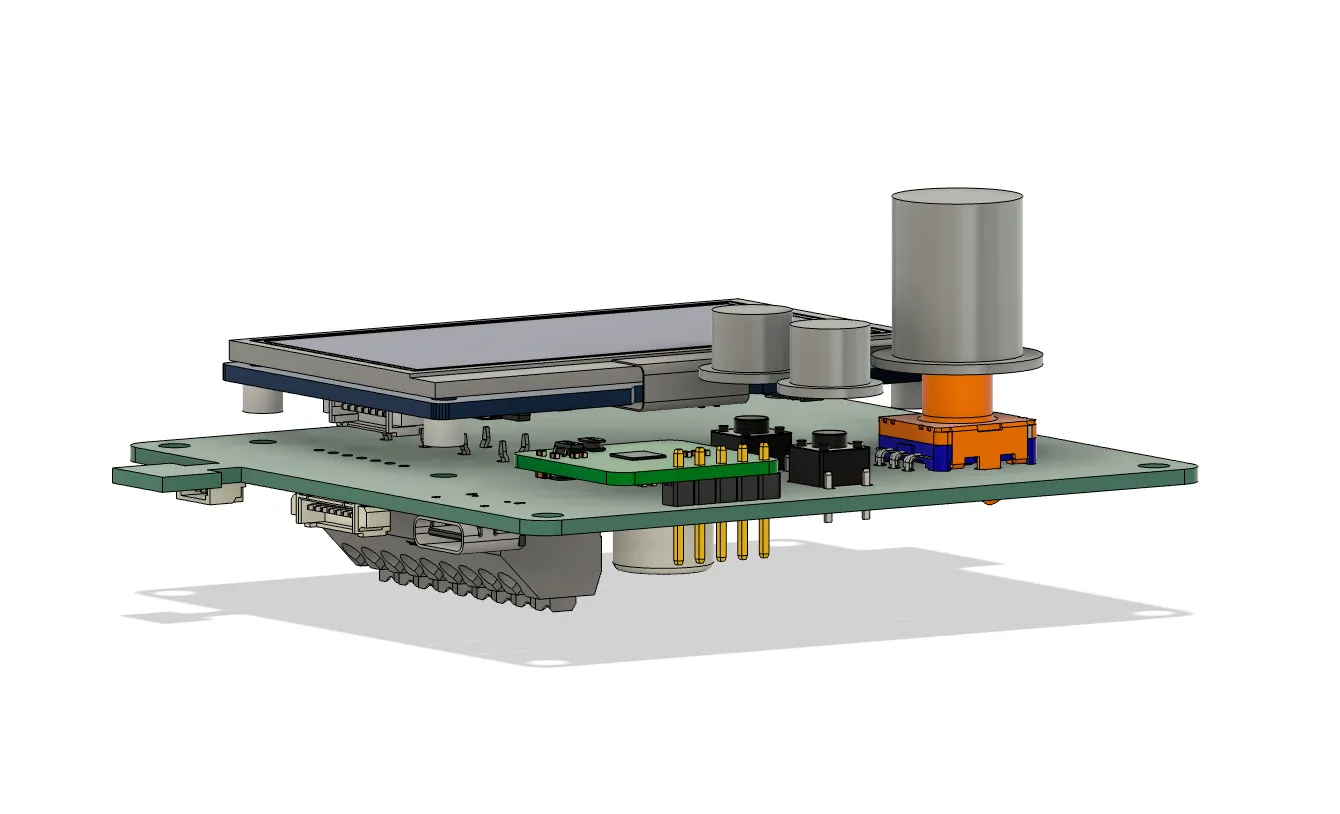
- 2.42 inch OLED, mounted portrait
- Controls
- Rotary encoder with push to select, plus MODE and BACK buttons
- Sensors
- Presence radar to wake the screen, light sensor to dim it
- Room sensors
- Zigbee, with the coordinator built in
- Integrations
- Home Assistant and MQTT, both optional
- Licence
- Apache-2.0 for the firmware, CERN-OHL-S-2.0 for the hardware, CC BY 4.0 for the documentation
- Source
- Source coming